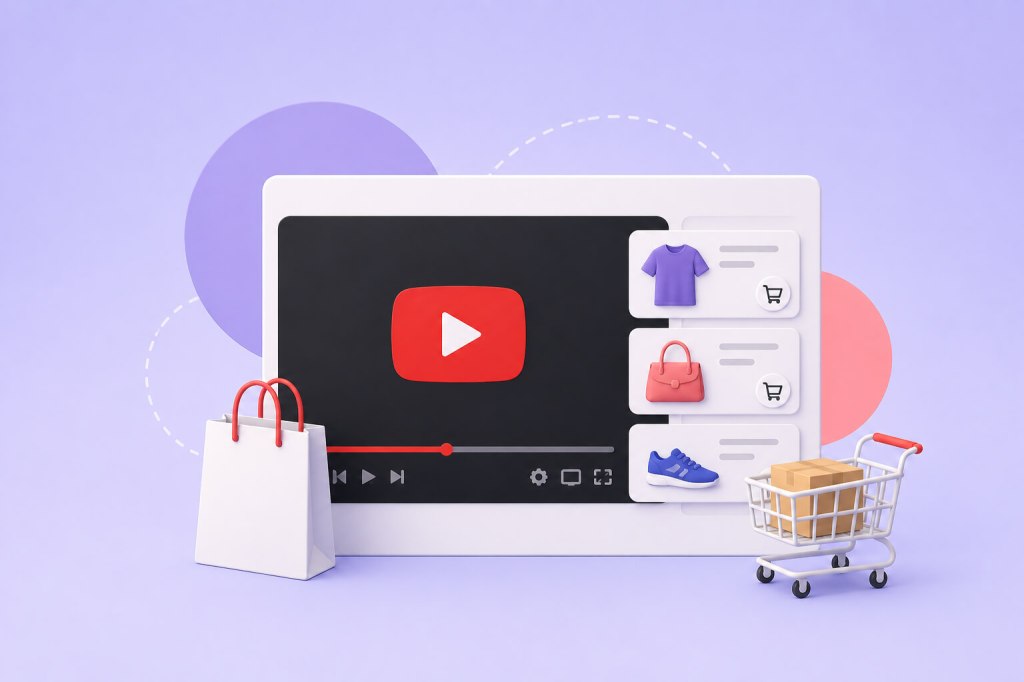
YouTube Shopping helps eligible creators and brands connect products with the content people are already watching. Instead of asking viewers to leave YouTube, search for a product, and find it on another website, creators can showcase and tag relevant products within their YouTube content.
The basic process is simple:
Connect a store or select eligible products → Feature products in content → Tag the products → Viewers discover them while watching → They explore and complete the purchase through the connected retailer or store
YouTube Shopping can be used in two main ways: selling your own products through a connected store or promoting products from other brands through the YouTube Shopping affiliate program.
This guide explains how YouTube Shopping works and what happens between product tagging and purchase.
What Is YouTube Shopping?
YouTube Shopping is a set of commerce features that allows eligible creators to showcase products across YouTube.
Creators selling their own products can connect an eligible store and feature items such as:
- Branded merchandise
- Apparel and accessories
- Products from an ecommerce store
- Other eligible physical products
Eligible creators can also tag products from participating brands through YouTube’s Shopping affiliate program.
The main purpose is to reduce the gap between content discovery and product discovery.
For example, if a creator is reviewing a camera, demonstrating a skincare product, styling an outfit, or launching their own merch, viewers can discover the relevant product while engaging with the content instead of searching for it separately.
How Does YouTube Shopping Work?
The exact process depends on whether you are selling your own products or promoting products from other brands. However, the overall shopping journey follows a similar pattern.
1. Connect Your Store or Choose Eligible Products
Creators selling their own products connect a supported store or retailer to their YouTube channel. The connected store provides the products that can be featured through available YouTube Shopping experiences.
Creators using the affiliate program can select eligible products from participating brands and retailers.
2. Feature the Product in Relevant Content
The product should have a clear and natural connection to the video.
For example:
- A beauty creator demonstrates a skincare product.
- A tech creator reviews a device.
- A fashion creator styles an outfit.
- A fitness creator uses equipment during a workout.
- A creator launches their own merchandise.
The strongest shoppable content does not simply add a product tag to a video. The content gives viewers a reason to understand, consider, and potentially buy the product.
3. Tag the Product
Eligible creators can tag relevant products in supported content formats and use available Shopping features.
Products may be discoverable through:
- Long-form videos
- YouTube Shorts
- Live streams
- Product shelves
- Video descriptions
- A creator’s channel store
The exact Shopping experience can vary depending on the creator’s setup, content format, viewer location, and feature availability.
4. Viewers Discover and Explore the Product
When viewers see a product featured in relevant content, they can access the available Shopping experience to explore it further.
This creates a shorter path between seeing a product and finding it.
Instead of relying entirely on a link in the description, the product becomes part of the content experience.
5. The Customer Completes the Purchase
YouTube helps with product discovery, but the connected retailer or store generally handles the underlying purchase.
The journey typically looks like this:
Watch content → Discover a tagged product → Explore the product → Visit the connected retailer or store → Complete the purchase
The retailer or commerce platform remains responsible for areas such as:
- Inventory
- Order processing
- Fulfillment
- Shipping
- Refunds
- Customer service
Two Ways to Use YouTube Shopping
Sell Your Own Products
Creators, brands, and businesses can connect their ecommerce store to YouTube and showcase their own products.
This can include:
- Creator merchandise
- Branded products
- Ecommerce products
- Apparel and accessories
This model is particularly useful for creators who want to make their existing products easier to discover while viewers are watching relevant content.
For example, a creator selling a new hoodie can wear it in a video, introduce the collection, and make the product discoverable through available YouTube Shopping features.
Promote Products From Other Brands
Eligible creators can also use the YouTube Shopping affiliate program to feature products from participating brands.
This is useful for creators who regularly create:
- Product reviews
- Tutorials
- Recommendations
- Comparison videos
- Styling content
- Product demonstrations
If a viewer purchases a qualifying product, the creator may earn a commission based on the applicable affiliate terms.
Also Read: Building Trust With YouTube Video: A Guide To Enhancing User Experience
Where Can Products Appear on YouTube?
YouTube Shopping can support product discovery across different content formats.
Long-Form Videos
Long-form videos work well for products that need more context.
Creators can use them for:
- Product reviews
- Tutorials
- Comparisons
- Demonstrations
- How-to content
This format gives creators more time to explain how a product works, who it is for, and why someone may want it.
YouTube Shorts
Shorts can be useful for quick product discovery.
A creator might:
- Demonstrate a product quickly
- Show a before-and-after result
- Create a styling video
- Reveal a new collection
- Highlight a key product feature
When the product and content are closely connected, short-form content can create interest and move viewers toward product discovery.
Live Streams
Live shopping can add a more interactive element to the buying experience.
Creators can feature products while:
- Demonstrating them in real time
- Answering audience questions
- Launching a collection
- Revealing new products
- Hosting a product-focused session
This works particularly well when viewers need more information before making a purchase.
Channel Store
A connected store can also give viewers a dedicated place to discover a creator’s products from their YouTube channel.
This creates an ongoing product discovery opportunity beyond individual videos.
Also Read: The Concept of YouTube Aggregation in the Social Media World
How to Set Up YouTube Shopping for Your Own Products
The setup generally involves a few key steps.
Check Your Eligibility
First, confirm that your channel meets the current requirements for the Shopping features you want to use.
Eligibility can depend on factors such as your channel status, location, policy compliance, and the specific Shopping program or feature.
Set Up a Compatible Store
You need an ecommerce store or supported retailer where your products are listed and ready for customers.
Before connecting the store, make sure your product information is accurate and your store is ready to handle orders.
Connect the Store to YouTube
Eligible creators can connect their store through YouTube Studio and make their products available for supported Shopping experiences.
Once the setup is complete, you can manage how products are presented and featured across relevant content.
Tag Products That Match the Content
This is one of the most important parts of the strategy.
Do not treat product tagging as a way to add as many products as possible to every video.
The product should be:
- Clearly related to the content
- Visible or meaningfully discussed
- Relevant to the viewer
- Easy to understand in context
A product tag works best when the content has already created interest in that product.
YouTube Shopping for Brands
YouTube Shopping can also create opportunities for brands working with creators.
The model can look like this:
Creator creates relevant content → Product is naturally featured → The product is tagged → Viewers discover it → Interested viewers continue to the retailer
For brands, the value comes from placing products within content that already has audience attention and relevance.
However, the product tag alone is not what creates demand.
A strong creator partnership still depends on:
- Audience relevance
- Authentic product integration
- Useful or entertaining content
- Clear product context
- A reliable shopping experience
The best results are more likely when the product naturally belongs in the creator’s content rather than feeling like an unrelated promotion.
Best Practices for Using YouTube Shopping
Make the Product Part of the Content
The product should have a purpose within the video.
Show how it works, explain why it is being featured, demonstrate how it is used, or answer the questions viewers are likely to have.
Show the Product Clearly
Viewers should not have to guess what is being promoted.
Where relevant, show:
- How the product looks
- How it works
- Who it is for
- Key details that influence buying decisions
Use the Right Content Format
Different formats can support different stages of the shopping journey.
- Shorts: Quick discovery and awareness
- Long-form videos: Reviews, demonstrations, and deeper consideration
- Live streams: Real-time interaction and questions
- Channel store: Ongoing product discovery
Optimize the Store Experience
Shoppable YouTube content is only one part of the journey.
Your product pages should also provide:
- Clear images
- Accurate descriptions
- Transparent pricing
- Shipping information
- Size or product details
- Return policies
- A simple checkout process
If the store experience creates friction, viewers may lose interest even after discovering the product through YouTube.
Also Read: Future Of YouTube Aggregation: What’s Next?
How to Measure YouTube Shopping Performance
To understand whether your strategy is working, look beyond total sales.
Consider the complete journey from content view to product discovery to purchase.
Useful metrics can include:
- Product clicks
- Product views
- Click-through rate
- Traffic to your store
- Conversion rate
- Number of orders
- Revenue
- Best-performing products
- Best-performing videos and Shorts
These insights can help you understand which content actually drives product interest.
For example, you may discover that a detailed tutorial generates fewer views but more purchases than a short promotional video. Or a Short may create strong product awareness while long-form content drives more conversions.
Final Thoughts
YouTube Shopping works by bringing products closer to the content that creates interest in them.
For creators selling their own products, the journey is:
Connect your store → Feature relevant products → Tag them in content → Help viewers discover them → Direct buyers to your connected store
For eligible affiliate creators, the journey is:
Create relevant content → Tag participating products → Help viewers discover them → Earn commissions on qualifying purchases
The technology makes product discovery easier, but successful YouTube Shopping still depends on good content.
The strongest results are likely to come when the product is already a natural part of the viewer’s experience. A review can help someone evaluate it. A tutorial can show how it works. A Short can create initial interest. A live stream can answer questions before someone decides to buy.
That is what makes YouTube Shopping valuable: it helps turn relevant content into a more direct path to product discovery.
Frequently Asked Questions
How does YouTube Shopping work?
YouTube Shopping allows eligible creators to showcase and tag products within supported YouTube content and Shopping surfaces. Viewers can discover products while watching and continue to the connected retailer or store to complete a purchase.
Can I sell my own products through YouTube Shopping?
Yes, eligible creators can connect a supported store and showcase their own products through available YouTube Shopping features.
Does YouTube handle inventory and shipping?
No. The connected retailer or ecommerce platform is generally responsible for inventory, order processing, fulfillment, shipping, refunds, and customer service.
Can creators promote products from other brands?
Yes. Eligible creators may be able to promote products from participating brands through the YouTube Shopping affiliate program and earn commissions on qualifying sales.
Where can YouTube Shopping products appear?
Depending on the creator’s setup and available features, products can be showcased through long-form videos, Shorts, live streams, product shelves, descriptions, and a creator’s channel store.
Do I need YouTube Shopping to sell products through YouTube?
No. You can still promote products using store links and other methods. YouTube Shopping provides eligible creators with additional ways to connect products directly with their content and make them easier for viewers to discover.


 YouTube Marketing Blog
Leave a comment