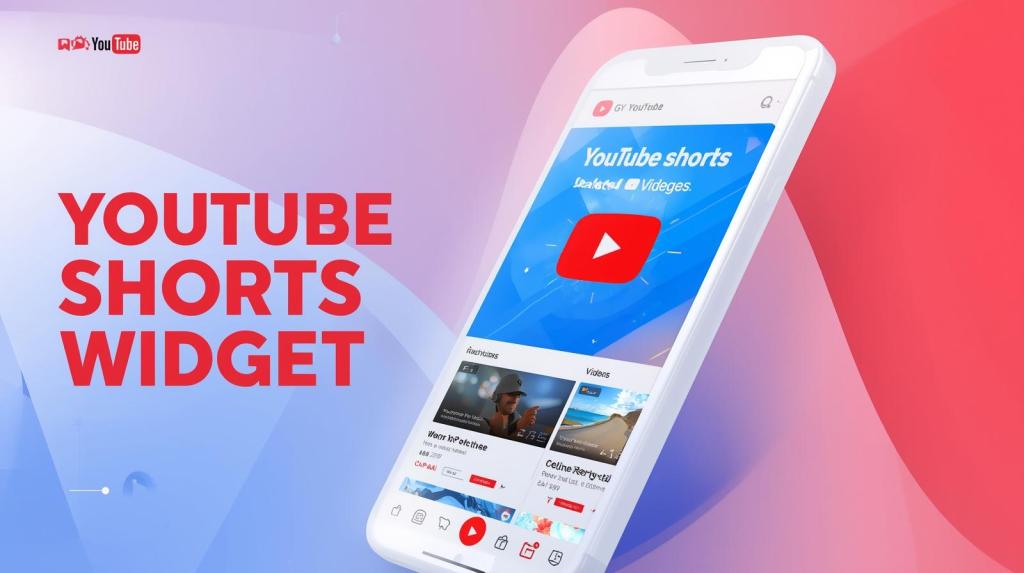
Short-form videos are the future of digital marketing, and YouTube Shorts has emerged as one of the most popular platforms for businesses to showcase products, share quick tips, and engage audiences. But what if you could bring that same engaging experience directly to your website? That’s where a YouTube Shorts widget comes in.
Embedding a YouTube Shorts widget not only makes your website more interactive but also boosts engagement, improves user experience, and helps convert visitors into customers. In this guide, we’ll explore the features, benefits, and setup process of YouTube Shorts widgets, along with best practices for maximizing their impact.
What is a YouTube Shorts Widget?
A YouTube Shorts widget is a tool or plugin that allows you to embed multiple YouTube Shorts on your website in a dynamic and customizable way. Unlike embedding a single Short manually, a widget lets you create a feed or gallery of short videos that can automatically update when you upload new content to your YouTube channel.
Why use a widget instead of embedding individual Shorts?
- It saves time by automatically syncing new videos.
- It allows for multiple display options such as grids, sliders, or carousels.
- It gives you more control over design, layout, and moderation.
Essentially, a YouTube Shorts widget transforms static pages into video-rich, interactive experiences, increasing engagement and keeping visitors on your site longer.
Key Features of a YouTube Shorts Widget
A good YouTube Shorts widget comes with several features that make it a powerful tool for businesses. Let’s dive into the most important ones:
1. Customizable Layouts
Widgets offer flexibility in how your Shorts are displayed. You can choose layouts like:
- Grid – Display multiple Shorts in rows and columns.
- Carousel/Slider – Scrollable videos that save space on your page.
- Gallery – Highlight featured Shorts in a visually appealing format.
Customizable layouts ensure your videos blend seamlessly with your website design.
2. Auto-Sync with YouTube Channel
Widgets can automatically pull new Shorts from your YouTube channel. This means you don’t have to manually embed each new video. Your website will always showcase the latest content, keeping it fresh and engaging for visitors.
3. Moderation and Filtering
Not all videos may be suitable for your website. With moderation tools, you can:
- Select which Shorts to display.
- Filter out unwanted content.
- Curate a feed that aligns with your brand voice.
4. Mobile-Responsive Design
Most users browse websites on mobile devices. YouTube Shorts widgets are optimized for both desktop and mobile screens, ensuring seamless playback and a smooth viewing experience.
5. Multiple Display Options
Widgets can be embedded in various parts of your website:
- Homepage banners
- Product pages
- Blog posts
- Landing pages
This flexibility allows businesses to strategically place Shorts where they can drive maximum engagement.
6. Load Speed Optimization
Widgets often come with lazy loading features, which means videos load only when a user scrolls to them. This keeps your site fast, even if you have multiple Shorts embedded.
Benefits of Using a YouTube Shorts Widget
Adding a YouTube Shorts widget to your website offers more than just a visually appealing element. Here’s how it benefits your business:
a. Boost Website Engagement
Video content is more engaging than text or images alone. Visitors are likely to spend more time watching your Shorts, reducing bounce rates and increasing the chances of interactions such as clicks or purchases.
b. Showcase Products or Services
Shorts are perfect for:
- Quick product demos
- Tutorials or how-tos
- Promotional or behind-the-scenes content
Visitors get a better understanding of your offerings, which helps them make informed purchase decisions.
c. Improve SEO
Google prioritizes pages with video-rich content. Embedding Shorts through a widget increases time on page and engagement signals, improving your website’s ranking in search results.
d. Save Time
Widgets eliminate the need to manually embed every Short. Once set up, your widget auto-syncs new content, saving you hours of repetitive work.
e. Build Brand Authority
A website with interactive, curated video content conveys professionalism and authority. High-quality Shorts embedded strategically can help your business gain credibility and trust.
How to Set Up a YouTube Shorts Widget on Your Website
Setting up a YouTube Shorts widget is straightforward, whether you use a widget tool, WordPress, or a custom HTML website.
1.) Using a Widget Tool (e.g., Tagembed, Taggbox, Elfsight)
These tools make it easy to create and embed a widget:
- Sign up on a widget platform.
- Connect your YouTube channel.
- Select Shorts as the content type.
- Customize the layout, colors, and feed style.
- Generate the embed code.
- Paste the code on your website page where you want the Shorts to appear.
This method is ideal for businesses looking for customizable feeds and auto-sync functionality.
2.) Adding Widget to WordPress
Option 1: Plugin Integration
- Install a widget plugin compatible with YouTube Shorts.
- Connect your YouTube channel.
- Customize the feed and embed it via shortcode or block.
Option 2: Embed Code
- Copy the embed code from your widget tool.
- Paste it into a WordPress block or page.
Both options allow flexibility in placement and layout.
3.) Adding Widget to HTML/Other Platforms
For HTML websites, use the embed code from your widget platform:
<div class="youtube-shorts-widget">
  <iframe src="YOUR_WIDGET_URL" width="100%" height="400" frameborder="0" allowfullscreen></iframe>
</div>
- Ensure the widget is responsive for mobile screens.
- Use lazy loading to avoid slowing down your page.
Best Practices for Using YouTube Shorts Widgets
To maximize the effectiveness of your Shorts widget, follow these best practices:
a. Keep Content Relevant
Only display Shorts that are aligned with the page purpose. For example, product demos on product pages, tutorials in blogs, and testimonials on review pages.
b. Combine Multiple Shorts in a Feed
Instead of adding individual videos, use a gallery or feed to display multiple Shorts. This provides a clean, interactive browsing experience.
c. Use Call-to-Actions
Encourage viewers to take action after watching your Shorts:
- “Shop Now”
- “Learn More”
- “Subscribe to Our Channel”
CTAs help convert engagement into measurable results.
d. Monitor Performance
Use analytics to track:
- Views and engagement
- Click-through rates
- Time spent on page
This data helps you optimize which Shorts to feature and how to arrange them.
Common Mistakes to Avoid
While using a YouTube Shorts widget can be highly beneficial, avoid these pitfalls:
- Overloading with videos: Too many Shorts can slow down your website.
- Embedding irrelevant content: Only display videos that align with your brand and goals.
- Ignoring mobile optimization: A majority of users browse on mobile; ensure your widget is responsive.
- Neglecting updates: Keep your feed fresh by regularly checking widget settings and syncing new content.
Real-World Examples
Many brands are already leveraging YouTube Shorts widgets effectively:
- Fashion brands: Display styling tips or seasonal collections in a scrollable feed.
- SaaS companies: Showcase product features and tutorials for quick understanding.
- Fitness brands: Share short workout snippets to engage visitors.
- Food brands: Post quick recipe Shorts or behind-the-scenes cooking clips.
These examples demonstrate how embedding Shorts can enhance engagement, improve brand credibility, and even drive conversions.
Conclusion
A YouTube Shorts widget is more than just a visual element—it’s a powerful business tool that boosts engagement, improves SEO, showcases products, and builds brand authority. By using a widget, you save time, maintain fresh content, and create a dynamic website experience that keeps visitors engaged.
Whether you’re a small business or a large enterprise, integrating a YouTube Shorts widget into your website in 2026 is a smart strategy for growth. Embed your Shorts wisely, follow best practices, and watch your website transform into an interactive, conversion-ready platform.



 YouTube Marketing Blog
Leave a comment